4 Days of Manual Work Reduced to 2-3 Minutes with a Python Script
A company with about 1,500 employees collected travel expense claims in a standard Excel format. A short Python script now consolidates 1,011 files into one master file in minutes.
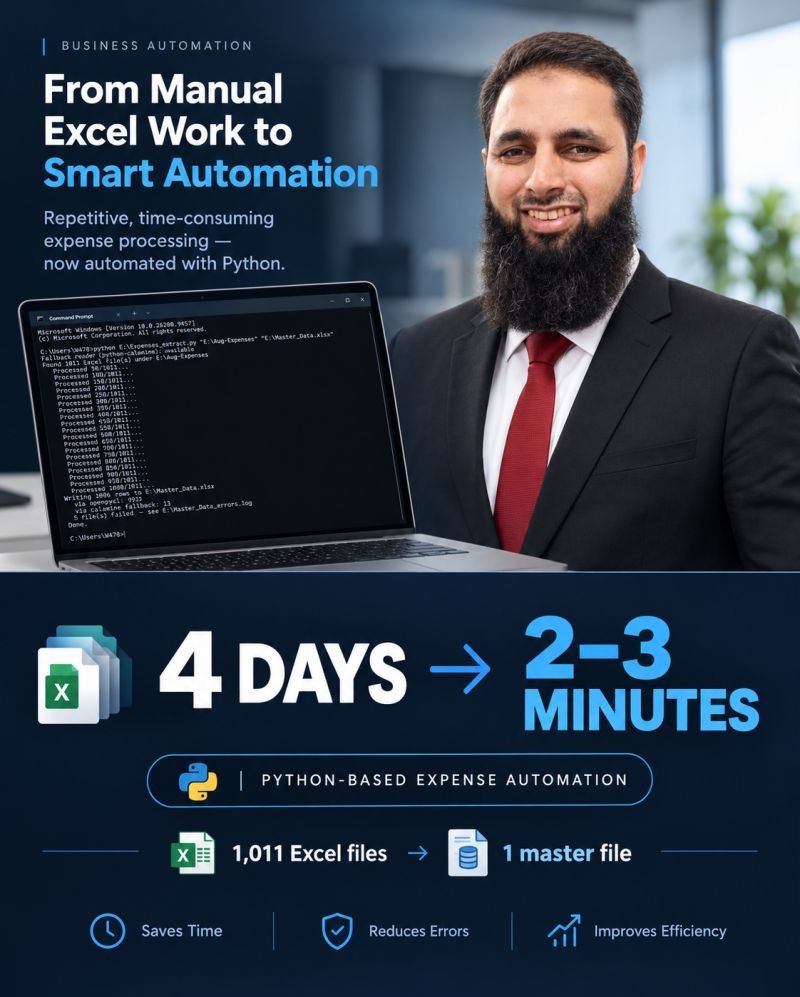
The visual I shared with the original LinkedIn post.
Standard files, manual copying
One of my clients has around 1,500 employees across the country. Under company policy, employees claim travelling expenses within set limits, and the company provides a standard MS Excel format for the claims.
Sounds tidy. But the process was: employees email their files, the files are received, printed, and then the details are typed into a master file for reimbursement. With many employees and files, that is repetitive and slow. Doing it manually took around 4 days.
The question
Why should a person copy data from hundreds of standardized Excel files when the files already follow the same format?
The solution
A Python script built for exactly this process:
- Put all the Excel files into one folder.
- Run the script.
- It reads the required cells from every file.
- It consolidates the information.
- It produces one master Excel file.
In the run shown in my post, 1,011 Excel files became 1 master file, with a progress log and an error log for any file that failed. Around 4 days of manual work became about 2-3 minutes.
Why it works
It doesn't need a huge ERP project or expensive software. It needs someone to look at a repetitive process and ask, "Why are we doing this manually?" The real value of automation isn't replacing people. It is giving people their time back. For a method you can reuse, read my 4-step automation playbook.
I first shared this on LinkedIn. If you have a similar problem in your own team, connect with me on LinkedIn and let's talk.
Enjoyed this post?
Follow my journey from finance ledgers to one-click automation.